Strong WordPress SEO means Google reaches your pages, indexes one clean URL per topic, and loads content fast. An SEO plugin handles part of that job, mainly titles, meta descriptions, and XML sitemaps. However, no plugin warns you when a hidden setting blocks crawlers or a heavy builder slows every mobile tap. So this guide walks through ten practical fixes in the exact order our Chur studio applies them.
What a WordPress SEO Plugin Does and Misses
Tools like Yoast SEO and Rank Math handle routine metadata well. Still, they cover far less technical ground than their green traffic lights suggest. A green score only confirms that a checker spotted your keyword in a title or paragraph. In fact, Google never reads or scores those plugin lights when ranking your website. In fact, our affordable SEO services for small businesses pair transparent milestones with measurable call tracking.
Plugin Responsibilities vs Owner Decisions
Your plugin writes canonical tags and generates sitemaps automatically. Meanwhile, you still decide which archives deserve indexation and how fast your hosting responds. If a drag-and-drop builder dumps megabytes of JavaScript on every visit, a plugin cannot fix that bloat. Therefore, review the clear responsibility split below before paying for extra add-ons.
| Technical Area | Handled by SEO Plugin | Still Requires Your Engineering |
|---|---|---|
| Titles & Meta Tags | Outputs title and meta description fields | Writing clear headlines that earn real buyer clicks |
| XML Sitemaps | Generates sitemap index automatically | Removing redirected, thin, or noindexed URLs |
| Canonical Tags | Prints rel=canonical on standard posts | Fixing duplicate http, https, and www server redirects |
| Schema Markup | Adds basic Article and Organization JSON-LD | Verifying structured data matches visible page text |
| Speed & Security | Does nothing for hosting, DOM, or plugins | Page caching, AVIF/WebP sizing, and PHP 8.3+ hygiene |
How Much Technical Work Small Sites Need
Most small companies need far less technical engineering than big agencies claim. According to Google crawl budget documentation, crawl limits target sites with one million pages or 10,000 daily updates. Similarly, Google treats sites under 500 URLs as small in its sitemaps overview. Instead of paying for crawl-budget consulting on a 15-page site, fix fundamentals and invest in service pages.
Technical cleanup also has a natural ceiling on small business domains. Clean code removes ranking barriers, yet it never creates customer demand by itself. Once these ten steps pass, spend your hours on service offers, real reviews, and useful guides. For the complete workflow, pair this post with our small business SEO checklist.
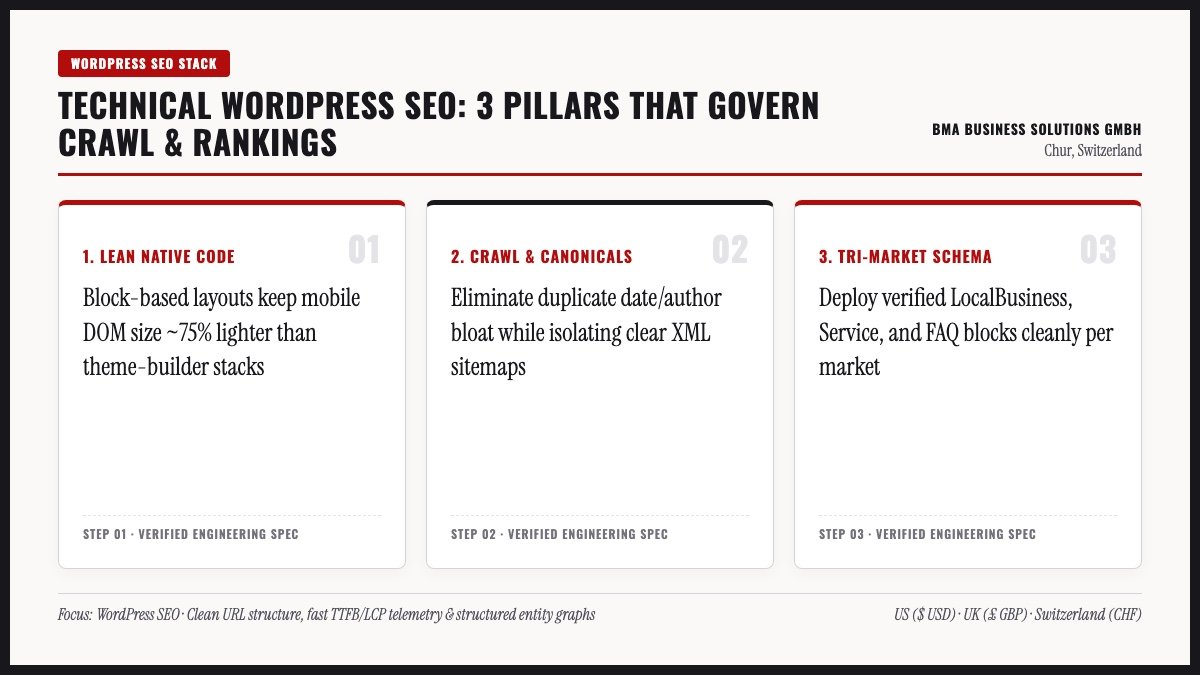
Fixes 1 to 4: Indexation, URLs, and Clean Archives
Start with crawl access, because invisible pages earn zero traffic. First, open Settings then Reading in WordPress and untick the search engine block box. Developers often leave that staging box checked right after launch day. Next, test your homepage and top service URLs inside Google Search Console URL Inspection.
Fix 1 and Fix 2: Indexation and Canonical URLs
Always pick the right directive for hiding private or staging pages. According to Google robots.txt rules, robots rules block crawling rather than search indexation. Instead, apply a noindex tag or password protection when you truly want a page out of Google. Also, never block a noindexed URL in robots.txt, because Google must crawl the page to read that tag.
Your site can also resolve on four versions: http, https, www, and non-www. Check Google duplicate URL guidance so redirects, canonical tags, and sitemaps name one address. Test all four variations in your browser to verify they resolve in one clean hop. Otherwise, redirect chains slow crawlers and dilute link signals across duplicate URLs.
Fix 3 and Fix 4: Archive Cleanup, Sitemaps, and Robots.txt
WordPress creates tag, date, author, and attachment archives automatically without asking you. For example, a solo firm needs no author archive duplicating the main blog feed. So set thin tag and date pages to noindex, and delete tags used on one post only. Meanwhile, keep clean categories as real topic hubs with a short intro paragraph.
Keep your XML sitemap lean so it lists indexable money pages and posts only. In addition, leave the default WordPress robots.txt file alone on almost every small website. Older tutorials once suggested blocking wp-includes, yet Google needs CSS and JavaScript to render layouts. Therefore, audit every custom disallow line before keeping legacy rules.
Fixes 5 to 7: Internal Links, Page Builders, and Caching
Once Google reaches clean URLs, guide link equity and fix browser responsiveness. Orphan pages with zero internal links sit unseen by both crawlers and customers. First, scan up to 500 URLs free with Screaming Frog to list incoming internal link counts. Then link every core service page from your main menu and related blog guides. Meanwhile, our local SEO services for small business breaks down the three-year numbers step by step.
Fix 5 and Fix 6: Link Equity and Page Builder Bloat
Write descriptive anchor text that tells readers what opens after the click. Read our internal linking strategy guide to connect learning articles to commercial pages cleanly. When two posts chase the same buyer topic, merge them and redirect the weaker URL. As a result, you stop splitting authority across competing pages.
Heavy visual builders often wrap simple headings in dozens of nested divs and scripts. That payload hurts Interaction to Next Paint, which targets 200 milliseconds or less. Still, the 2025 Web Almanac shows 77% of mobile sites pass INP already. So measure real mobile speed first, and use our website redesign guide before rebuilding.
Fix 7: Server Caching and Modern Image Delivery
WordPress queries its database on every visit unless a cache serves saved HTML. Because only 44% of mobile sites pass server response benchmarks, caching delivers fast gains. Meanwhile, resize photos to display dimensions and upload WebP or AVIF files. Above all, never lazy-load your hero image, a mistake affecting 17% of mobile sites.
Choosing the Right Caching Layer for Your Hosting
Check our small business hosting guide if server Time to First Byte stays slow even with caching. Cheap shared servers often throttle PHP workers right when traffic spikes on weekday mornings. Pairing good page caching with crisp image sizing solves most small-site speed delays fast. Review the three caching layers below to pick the right setup.
| Caching Layer | What It Stores | Best Fit for Small Business Sites |
|---|---|---|
| Full Page Cache | Complete pre-rendered HTML output | Essential for brochure sites, local trades, and blogs |
| Object Cache (Redis) | Repeated MySQL database query results | Busy WooCommerce stores, memberships, and logged-in portals |
| Browser Cache & CDN | Static CSS, fonts, scripts, and images | Repeat visitors and international US, UK, or Swiss traffic |
Fixes 8 to 10: Schema, Accessibility, and WordPress Security
Your final three fixes protect trust, search appearance, and site uptime. A hacked installation can drop out of search overnight and lose buyer confidence. As a result, honest schema, clean semantic HTML, and strict plugin hygiene belong in every WordPress SEO routine. Check our website speed optimisation guide alongside these security checks.
Fix 8 and Fix 9: Honest Schema and Accessibility Compliance
Follow Google structured data policies by marking up only visible text. Add accurate LocalBusiness details such as name, address, phone, and opening hours. Next, use one H1 per page, real heading order, descriptive alt attributes, and visible form labels. Although accessibility is not a direct ranking signal, US ADA/WCAG 2.2, UK equality rules, and Swiss standards require usable interfaces.
Fix 10: Plugin Pruning and PHP Maintenance
According to the Patchstack 2026 WordPress security report, 2025 logged 11,334 new flaws, up 42%. Plugins accounted for 91% of those vulnerabilities, themes 9%, and WordPress core just six flaws. Worse, 46% had no patch ready on disclosure, and attackers hit half within 24 hours. So delete unused plugins, enforce off-site backups, and run PHP 8.3 or newer per WordPress requirements.
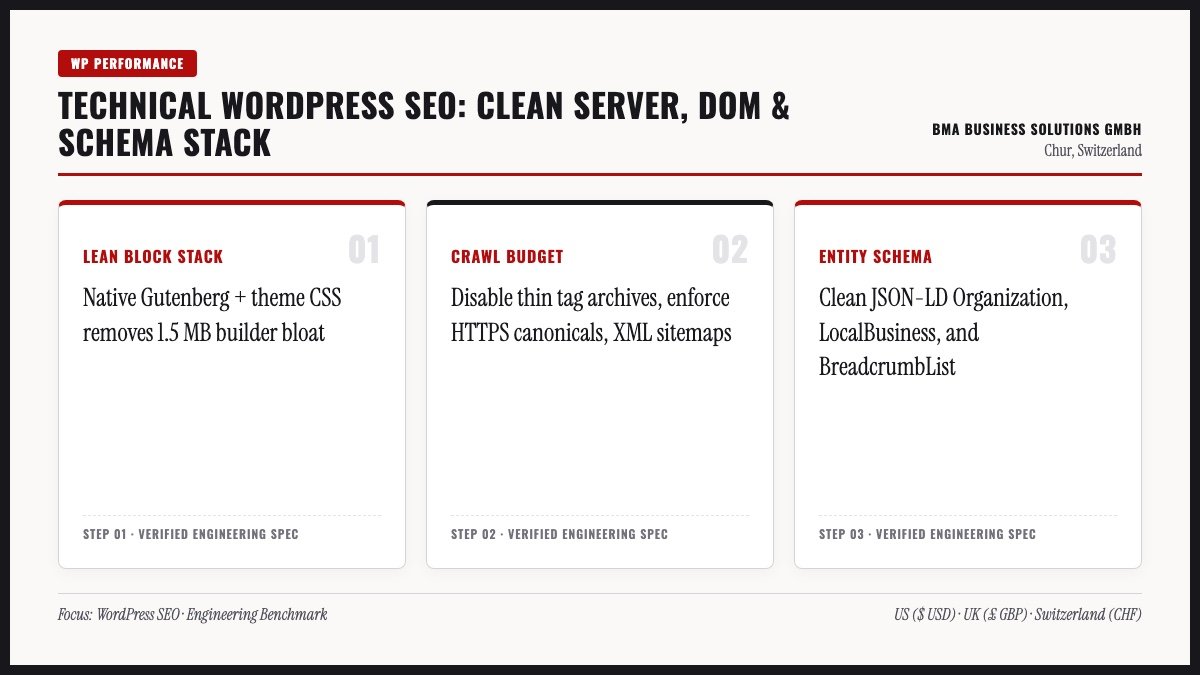
Need Clean WordPress SEO Without Page-Builder Bloat?
We engineer lightweight Gutenberg WordPress builds starting at $199 | £149 | CHF 164, or audit and repair sluggish existing sites with zero lock-in.
Auditing an Inherited Site vs Modular WordPress Rebuilds
Sometimes repairing an inherited site costs more than starting fresh on clean native blocks. Before paying for tweaks, verify you own the domain registrar, hosting login, and Search Console property. Next, list every installed plugin and flag anything untouched by its developer for over twelve months. Finally, remove unknown administrator logins on the Users screen so former vendors cannot break live pages.
Also inspect your active theme folder and media library for abandoned scripts left by past contractors. Clean WordPress installations need fewer than ten trusted plugins instead of thirty overlapping marketing extensions. When an inherited site mixes heavy visual builders with broken permalinks, starting clean cuts maintenance bills fast. Document every live URL before rebuilding so permanent redirects preserve existing search equity.
Database Cleanup, Revisions, and Staging Hygiene
Older WordPress databases accumulate thousands of expired transients, spam comments, and post revisions. Capping saved revisions at five per page keeps database backups lean and fast to restore. Always block staging subdomains with HTTP basic authentication rather than relying on robots rules alone. Otherwise, duplicate staging URLs slip into Google search results and compete against your live storefront.
Transparent Modular Pricing Across US, UK, and Switzerland
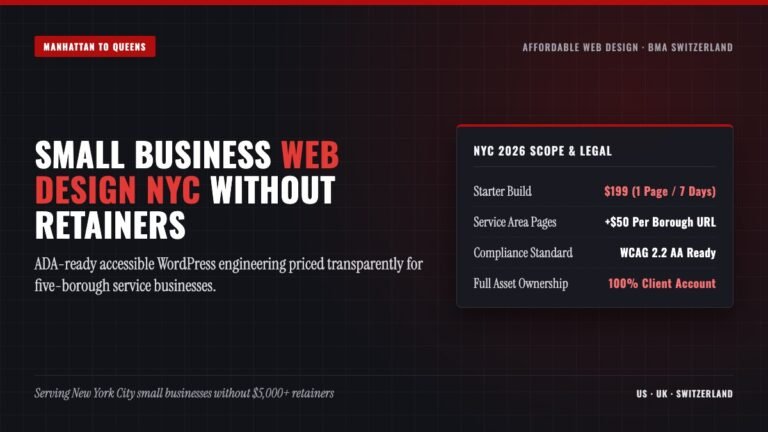
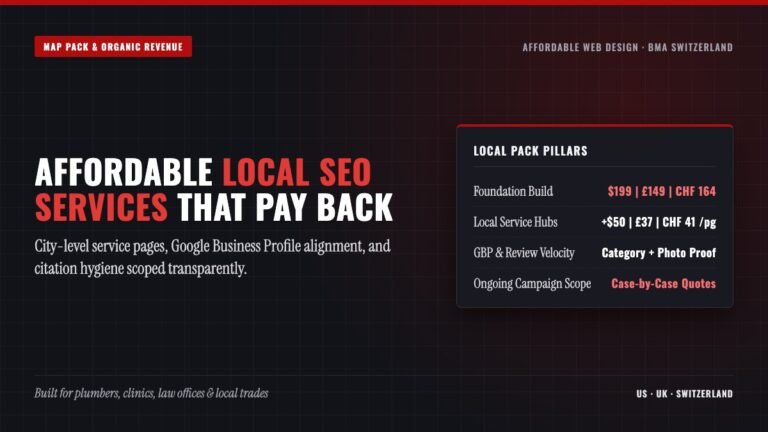
Unlike opaque agencies, we publish modular WordPress rates in dollars, pounds, and Swiss francs. A fast single-page site launches in 7 working days for $199 | £149 | CHF 164 with up to four sections. You can add extra WordPress pages for +$50 | £37 | CHF 41 each, launching 2–7 page sites in 14 working days. Every build includes 100% code ownership and our 100% On-Time Money-Back Guarantee when your brief arrives.
Multilingual firms in Switzerland or international markets add the Foreign Language Module for +$100 | £75 | CHF 82 once plus +$30 | £22 | CHF 25 per translated page. Online shops add WooCommerce for +$500 | £375 | CHF 412 with 10 products and 0% commission. We also scope ongoing search campaigns strictly case-by-case based on your market and internal team. Compare every line item on our affordable website design packages page.
Tri-Market Compliance and Currency Scope
Operating across North America, Britain, and Switzerland demands accurate legal disclosures right in your footer. Meanwhile, Swiss invoicing from Chur carries zero UK VAT markup for most British sole traders. Review the regional requirements we configure on every modular WordPress build below.
| Market & Currency | Key Privacy & Legal Signals | Modular Build & Launch Scope |
|---|---|---|
| United States ($ USD) | ADA / WCAG 2.2 accessibility, CCPA notice, local schema | Base $199 + $50/page; optional WooCommerce +$500 |
| United Kingdom (£ GBP) | UK GDPR, ICO cookie consent, Companies Act 2006 details | Base £149 + £37/page; 0% UK VAT Swiss invoicing |
| Switzerland (CHF) | Swiss nFADP (revDSG), UWG Article 3 Impressum | Base CHF 164 + CHF 41/page; DE/FR/IT/EN +CHF 82 & CHF 25/page |
Free Tools to Verify Every Technical Fix Yourself
You do not need expensive software subscriptions to audit these ten WordPress SEO essentials yourself. First, Google Search Console exposes indexing errors, manual actions, and real field Core Web Vitals data. Second, PageSpeed Insights tests lab loading bottlenecks and mobile INP delays accurately. Third, Google Rich Results Test confirms whether search parsers read your JSON-LD schema cleanly.
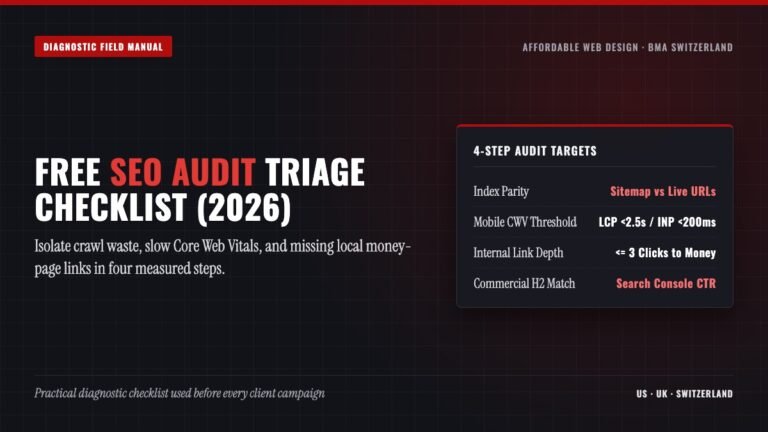
Fourth, Screaming Frog crawls 500 URLs free to reveal broken links, redirect chains, and orphan pages. Finally, your browser Network tab exposes heavy chat widgets or third-party scripts stalling mobile interactions. If you prefer an engineer handling ongoing upkeep, inspect our website maintenance services. Otherwise, run our free SEO audit checklist first before hiring any vendor.
Launch a Fast, SEO-Ready WordPress Site in 7–14 Working Days
Start with a $199 | £149 | CHF 164 single-page core or scale cleanly at +$50 | £37 | CHF 41 per page—backed by 100% ownership and our on-time money-back guarantee.
WordPress SEO Frequently Asked Questions
Specifically, these answers cover the cost, speed, and ownership questions small business owners ask us most often. Click any question below to expand the direct engineering details.
Related Engineering & Cost Guides
Meanwhile, continue planning your build with three deeper breakdowns from this exact series:
Affordable SEO Pricing: Real Campaign Benchmarks
Audit hourly agency math, cheap $99 link scams, and fair project pricing for small businesses.
Measuring Small Business SEO ROI & Break-Even
Track qualified calls, margin payback curves, and owned SEO equity versus recurring PPC ad spend.
Combining SEO & Web Design From Day One
Pair clean Gutenberg HTML structure, URL silos, and target keyword research before launch.
Request a Clear Technical & Local SEO Roadmap
Share your domain URL and target service area with our engineering team. We scope transparent technical fixes and local search milestones with zero lock-in contracts.