
An AI website builder can draft a tidy layout in minutes for a quick side project. However, those tools fall short when a site must rank locally, show original proof, and stay yours forever. Making a page look finished takes seconds today. Making that page accurate, fast, and legally compliant is a very different job.
Because we offer affordable website design packages, AI tools compete with our entry builds. Therefore, we will tell you honestly when software wins and when human engineering saves money. Below we compare four AI builder categories, three-year USD/GBP/CHF costs, and real security benchmarks.
Four Tools Called an AI Website Builder
Much confusion stems from calling four completely different products an AI website builder. A hosted drag-and-drop prompt box shares almost nothing with an engineering code assistant. Before paying for any subscription, sort each platform into its real technical category. The table below outlines what you actually receive and the hidden catch.
Hosted Builders vs Vibe Coding vs Developer Assistants
Prompt-to-site tools generate a layout in seconds, yet charge monthly rent to connect your domain. In contrast, app generators write full React or database code from chat prompts. However, security patching and server upkeep suddenly become your responsibility. Developer tools like Cursor speed up engineers who already spot broken logic.
| Tool Category | Popular Examples | What You Receive | Main Ownership Catch |
|---|---|---|---|
| Prompt-to-Site | Wix, Squarespace Blueprint, Hostinger | Hosted site from Q&A prompt | Monthly rent and platform lock-in |
| WordPress AI | 10Web and AI block plugins | Draft WP theme and starter text | You still manage updates and speed |
| App Generators | Lovable, v0, Bolt | Generated web app codebase | Security flaws and hosting fall on you |
| Developer IDEs | Cursor, Claude Code, Copilot | Faster custom engineering | Requires coding skill to verify safety |
Where Prompt-Generated Drafts Actually Shine
It would be unfair to dismiss every AI website builder outright. First, these tools eliminate blank-page paralysis for new founders testing an idea. Second, they follow proven section sequences like hero, services, proof, and contact. Third, hosted plans manage SSL certificates and basic uptime while you validate demand.
Where an AI Website Builder Fails Real Businesses
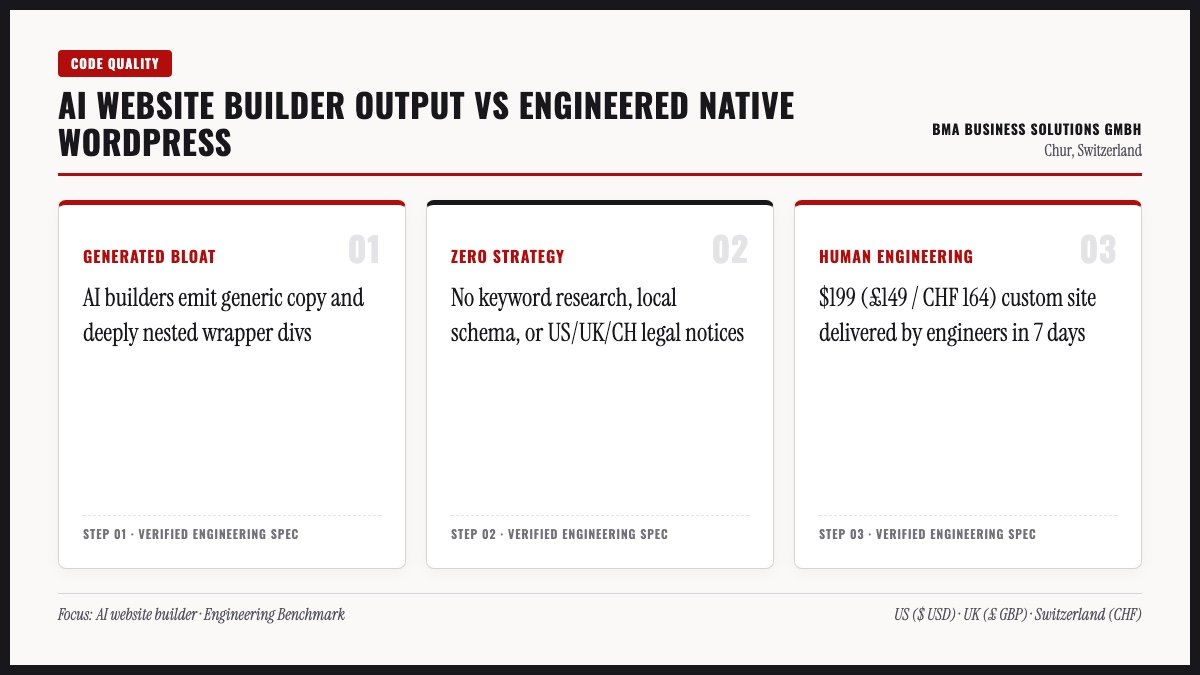
Problems appear as soon as you try turning a generated draft into a reliable lead engine. Language models predict average phrases based on millions of generic websites. As a result, every landscaping or consulting draft sounds identical to local competitors. Worse still, speed bloat and legal hallucinations quietly damage trust.
Hallucinated Claims, Fake Reviews, and Search Invisibility
AI generators frequently invent founding dates, fake licenses, and fictional client quotes. Google warns in its generative AI content guidance that publishers remain responsible for accuracy. Meanwhile, thin generated pages lack local detail and struggle during a Google spam update. Therefore, read every word as if a customer or regulator will audit it.
Security Debt in Vibe-Coded Web Applications
App generators carry an even sharper technical hazard for small teams. In fact, Veracode tested over 100 models and found 45% of AI code tasks introduced security vulnerabilities. Likewise, Cloud Security Alliance scans uncovered 170 exposed database endpoints across 1,645 generated apps. So never collect customer logins or card data without an experienced engineer auditing the code.
Real Three-Year Costs vs Modular Web Engineering
Free trials create the illusion that an AI website builder costs zero dollars. However, connecting your custom domain and removing platform ads immediately triggers monthly billing. Compare three-year platform totals against our transparent modular pricing in the table below. In addition, read our hidden costs of website builders guide for renewal jump examples.
Comparing Subscription Lock-In Against Flat Modular Builds
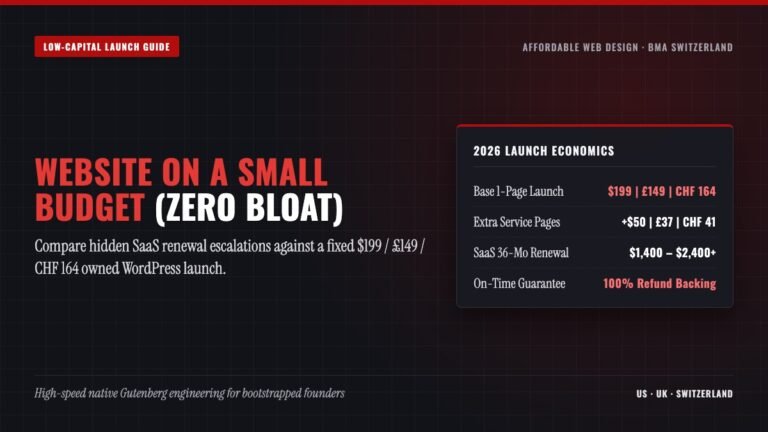
Our Base Single-Page Website costs $199 | £149 | CHF 164 and launches in 7 working days. Because you buy your own light hosting and domain, three-year totals stay near $244. Need extra service pages? Adding four pages at +$50 | £37 | CHF 41 per page delivers a 5-page build for $399 | £297 | CHF 328 in 14 working days.
| Build Option | Upfront Build Fee | 3-Year Platform / Hosting | Code & Export Ownership |
|---|---|---|---|
| 1-Page Custom HTML | $199 | £149 | CHF 164 | ~$45 | £34 | CHF 37 domain/host | 100% yours, zero lock-in |
| 5-Page Modular WordPress | $399 | £297 | CHF 328 | ~$180 | £135 | CHF 148 own host | 100% WP admin & portable |
| Wix Light (Annual Plan) | $0 DIY setup | $645+ | £485+ | CHF 530+ rent | Locked inside Wix servers |
| Squarespace Basic | $0 DIY setup | $717+ | £540+ | CHF 590+ rent | Locked inside Squarespace |
Multilingual, WooCommerce, and On-Time Guarantees
Notice also how cleanly modular add-ons scale if your company expands later. First, our Foreign Language Module adds +$100 | £75 | CHF 82 one-off setup plus $30 | £22 | CHF 25 per translated page with switcher and hreflang. Second, our WooCommerce E-Commerce Module adds +$500 | £375 | CHF 412 one-time with 0% commission and 10 starter products (+$15 | £11 | CHF 12 each extra). Finally, every build carries our 100% On-Time Money-Back Guarantee and 100% code and hosting ownership.
How to Fix an AI Draft and Meet Tri-Market Rules
If you already generated a draft with an AI website builder, do not launch it raw. Instead, spend two hours replacing vague slogans with concrete prices, service towns, and genuine job photos. Next, test loading speed on an older smartphone using PageSpeed Insights. Because heavy builder scripts block rendering, mobile Largest Contentful Paint often crosses four seconds.
Line-by-Line Editing Checklist for Generated Copy
Before typing any prompt, write down your real prices, covered towns, years trading, and three solved customer jobs. Feed those facts directly to the generator and forbid invented claims. Then edit every generated paragraph carefully before publishing. For example, replace generic fluff like “dedicated to excellence” with concrete proof like “fixed quotes within 24 hours.”
Also verify basic technical plumbing that prompt builders routinely skip. First, check that every distinct service owns a separate page and title tag. Second, send a live test message through every contact form to verify inbox delivery. Third, pair your site with Google Business Profile optimization so map buyers find matching hours.
Six Mandatory Checks Across US, UK, and Switzerland
Automated generators routinely omit regional legal pages that protect your company from fines. For US businesses, follow W3C WCAG 2.2 accessibility standards, CCPA notices, and FTC rules against synthetic testimonials. Meanwhile, UK companies must add Companies Act 2006 numbers and ICO GDPR cookie consent before tracking visitors. In Switzerland, include your UWG Art. 3 Impressum and Swiss nFADP privacy notice in DE, FR, IT, or EN.
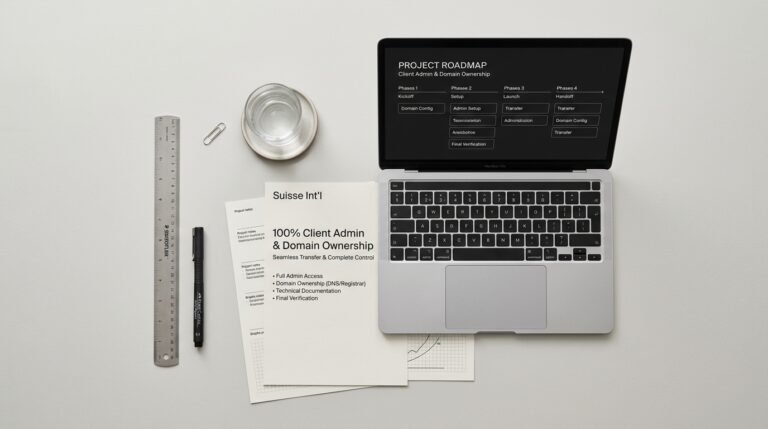
- Verify Domain Ownership: Register your domain in your own legal name so no platform holds it hostage.
- Replace Stock Faces: Upload sharp photos of your real crew, office, or finished client projects.
- Separate Service URLs: Give each core service its own page instead of cramming everything into one block.
- Test Contact Forms: Submit live test enquiries on mobile to confirm emails actually land in your inbox.
Seven Questions to Ask Before Paying for Any Builder
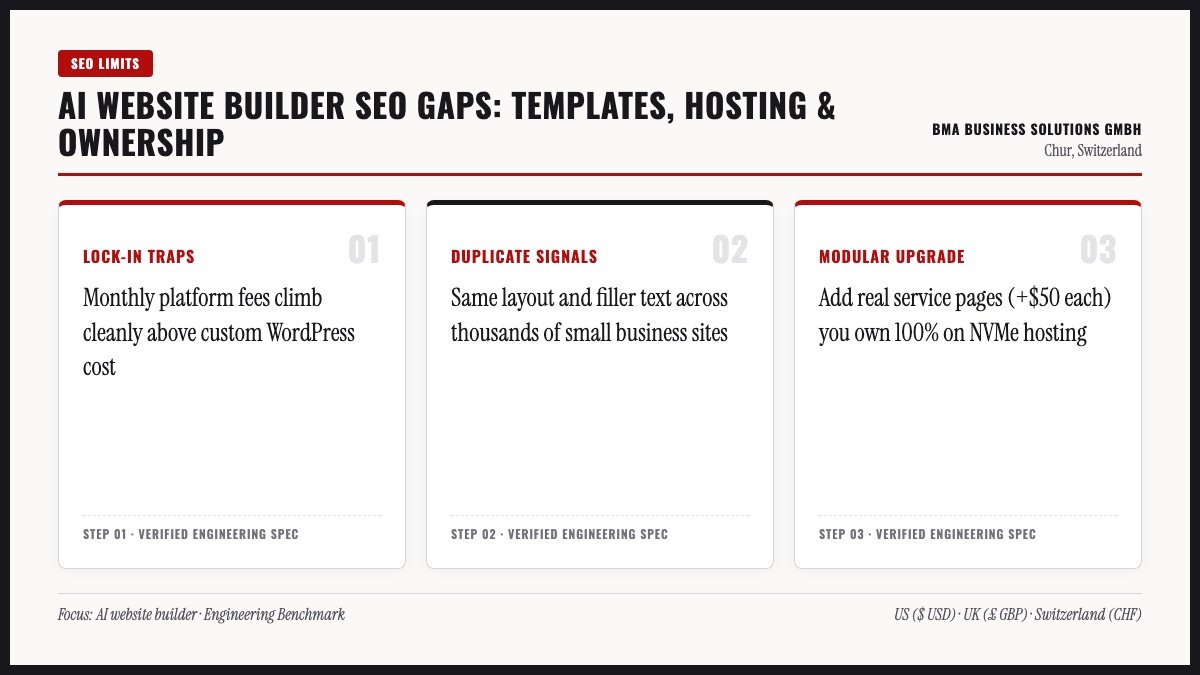
Builder sales pages highlight quick AI demos while hiding renewal rules inside help docs. Therefore, ask support seven plain questions in writing before entering your card number. First, ask which exact plan lets you connect your own custom domain. Second, ask what your renewal rate jumps to after year one.
Third, check whether you can export clean HTML, pages, and media if you leave. Fourth, confirm which widgets stop working if you downgrade tiers later. Fifth, verify commercial usage rights, full SEO title control, and custom cookie banner installation. If support dodges export questions, that platform plans to lock you in.
Choosing Between DIY Software and Human Engineering
Use an AI website builder when testing a weekend hobby or temporary event page. By contrast, hire human engineering when local search rankings and client trust drive your income. In fact, building trust with website design depends on original facts software cannot invent. Compare all options in our website builder vs web designer guide.
How Engineers Use AI Differently From Prompt Builders
The biggest difference between amateurs and engineers happens after the AI generates code. A skilled developer reads the output, spots security shortcuts, and strips redundant CSS immediately. Meanwhile, a prompt builder guesses safe generic defaults because it assumes users cannot inspect code. As a result, AI lowers basic layout costs while making real strategy more valuable than ever.
Look at real lightweight builds across our own portfolio, including top-dividend-stocks.com and easy-global-banking.com. Every layout serves one clear visitor goal without bloated animations or hidden scripts. In addition, if you need an online store, compare costs in our ecommerce website design guide. Clear planning always beats one-click templates.
Migration Path When You Outgrow Hosted AI Builders
Already trapped on a slow Wix or Squarespace subscription with rising renewal fees? Our Wix to WordPress migration guide explains how to move URLs without losing rankings. First, we map every old page address cleanly to preserve existing links. Then we rebuild in lightweight native WordPress and hand over 100% of your administrator keys.
What No AI Website Builder Can Supply for Local Growth
Even the fastest AI website builder only generates page code and starter sentences. However, local rankings depend heavily on real customer reviews, directory citations, and community links. Software cannot photograph your finished kitchen remodel or answer a customer call within two rings. Similarly, automated tools cannot reply politely to real feedback on Google Maps.
If your weekly marketing time is tight, skip tweaking AI gradients for ten hours. Instead, complete your Google Business Profile and ask every satisfied customer for an honest review. Next, pair those local signals with one clear service page per core job. That human foundation outperforms generated templates across every competitive local search.
Decision Matrix: Picking Your Ideal Website Route
Choosing wisely today prevents an expensive rebuild six months from now. First, pick a low-cost trial builder only if you are testing an unproven hobby for ninety days. Second, choose our Base Single-Page Website at $199 | £149 | CHF 164 when a referral business needs fast credibility. Third, step up to modular WordPress at +$50 | £37 | CHF 41 per page when search traffic drives enquiries.
Finally, hire senior code review for any generated web app holding customer logins or card records. Check our small budget website guide or free SEO audit page before deciding. Because every BMA build carries our 100% On-Time Money-Back Guarantee, you never risk missed deadlines. Clear ownership and honest numbers always win over software hype.
Why Real Business Details Beat Generated Polish Every Time
Prompt tools make empty layouts look impressive before a single buyer reads the copy. However, real prospects scan past gradients in seconds to check prices, service areas, and contact speed. In fact, adding specific turnaround windows and real project photos boosts enquiries faster than any visual theme. Therefore, spend your energy gathering authentic proof before worrying about layout software.
If you already run a draft site, test it on a cheap phone over 4G today. Count how many seconds pass before your phone number and starting price appear on screen. Meanwhile, verify that your footer shows real company registration details and working legal links. Simple clarity always wins real local buyers.
Outgrown Your AI Website Builder Draft?
Send us your live draft URL for an honest review—or launch a fast, owned website from $199 (£149 | CHF 164) in 7 working days with our 100% On-Time Money-Back Guarantee.
Want Your Existing Site to Rank Locally?
Pair clean native architecture with scoped local SEO, Schema markup, and Core Web Vitals tuning across the US, UK, and Switzerland.
AI Website Builder FAQ: Cost, SEO & Ownership
Specifically, these answers cover the cost, speed, and ownership questions small business owners ask us most often. Click any question below to expand the direct engineering details.
Related Engineering & Cost Guides
Meanwhile, continue planning your build with three deeper breakdowns from this exact series:
WordPress vs. Wix vs. Squarespace (36 Months)
Review three-year subscription math, Core Web Vitals speed scores, and full code portability.
Free Website Builders Technical & Ad Audit
Check forced vendor banners, subdomain branding caps, and export blocks on free builder tiers.
Squarespace Website Design Pros & Limits
Evaluate Squarespace subscription lock-in, rigid template styling, and SEO migration limits.
Launch a Custom Website You Own 100%
Skip recurring builder rent and slow templates. Configure your fixed-price build ($199 | £149 | CHF 164 base) with our 100% On-Time Money-Back Guarantee.