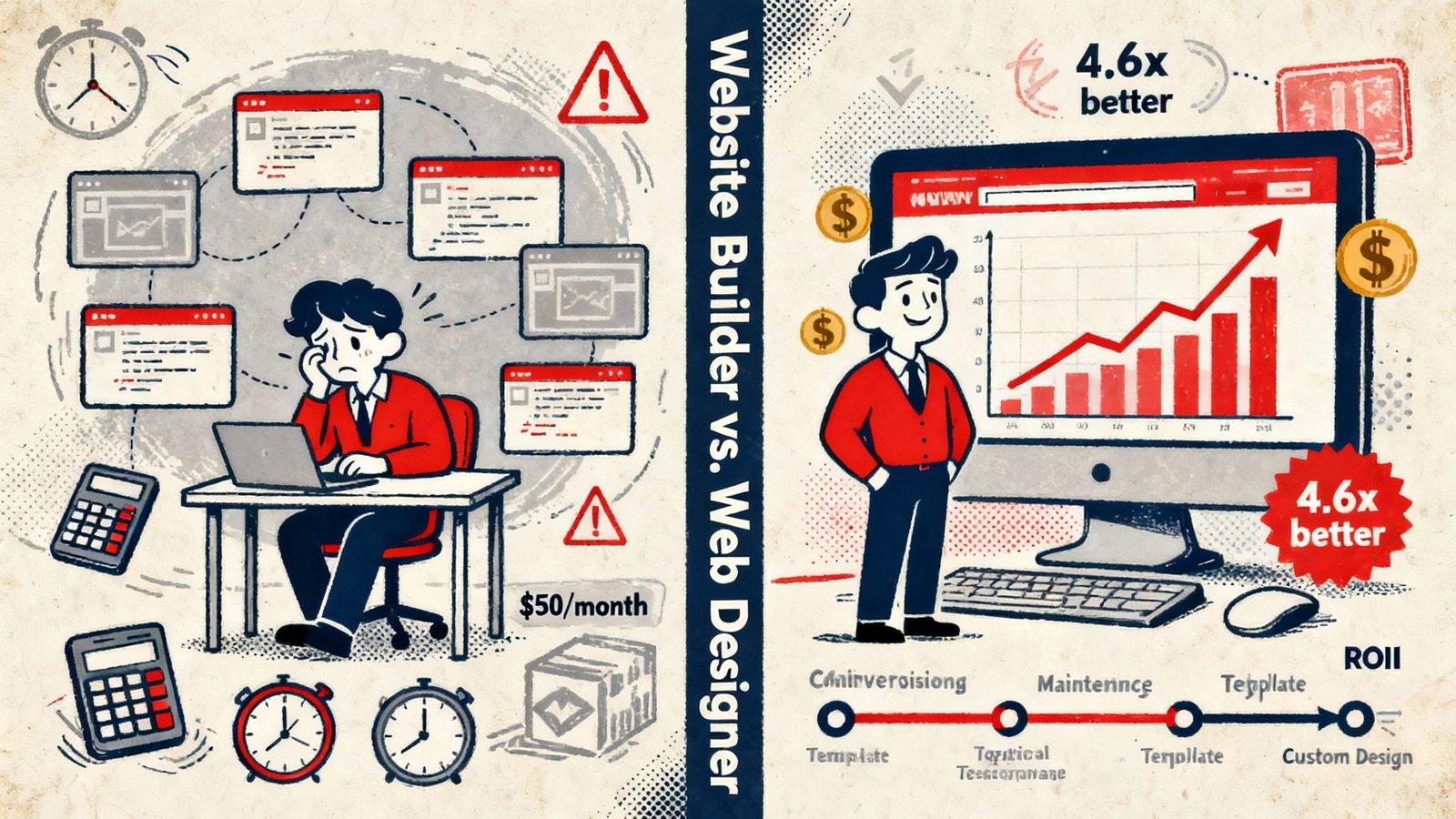
Every small business owner eventually faces the same crossroads: Do you pay £20 a month for a drag-and-drop website builder like Wix or Squarespace, or do you invest capital in hiring a professional web designer? For years, commodity marketing blogs framed this as a simple debate between budget and aesthetics. If you had no money, you built it yourself. If you had a budget, you hired an agency. In 2026, this oversimplified narrative is not just inaccurate—it is financially dangerous.
Google’s algorithms have radically evolved. The introduction of strict Core Web Vitals benchmarks (specifically Interaction to Next Paint – INP), AI-driven semantic parsing, and the necessity of highly structured Entity data means that how your website is coded is now just as important as what it says. The underlying architecture of your digital storefront directly dictates your ability to capture organic search real estate.
This is an exhaustive, technical masterclass deconstructing the exact architectural, financial, and operational differences between commercial SaaS website builders and professionally engineered web assets. We will move beyond the marketing fluff to expose the hidden technical debt of drag-and-drop platforms, the genuine ROI of custom architecture, and precisely when a business outgrows the “DIY phase.”
Chapter 1: The Illusion of the “Free” Website Builder
Commercial website builders heavily market the idea of democratized web design. They promise that anyone, regardless of coding knowledge, can launch a stunning website in an afternoon for the price of a cup of coffee. To understand the reality of this promise, we must analyze their business model: Software as a Service (SaaS) Lock-in.
When you “build” a website on a commercial builder, you are not actually building an independent asset. You are renting server space and a visual interface from a closed-ecosystem corporation. The core limitations begin the moment you hit “Publish.”
The True Total Cost of Ownership (TCO)
A standard £20/month subscription seems highly affordable compared to a £2,000 upfront investment in a professional web designer. However, professional businesses require commercial functionality. On a SaaS builder, basic necessities—like advanced SEO control, dynamic booking systems, custom CRM integrations, and multi-language support—are heavily gated behind premium app subscriptions. We ran the three-year arithmetic on exactly this in website builder costs for a UK SME.
By month 18, the average growing business using a closed builder is paying £150+ per month in combined subscription fees, premium plugin rentals, and transaction surcharges. Furthermore, because you do not own the codebase, you can never export this infrastructure. When you inevitably outgrow the platform, your investment is reduced to zero. You must start over. We have documented this exact phenomenon in our deep dive into the hidden costs of SaaS website builders.
The 3-Year Total Cost of Ownership (TCO) Matrix
Visualizing the intersection where compounding SaaS subscriptions and premium app rentals surpass the one-time investment of custom open-source architecture.
Ready to Own Your Digital Assets?
Stop renting restricted templates. Invest in scalable, high-performance web architecture that you own 100%. Explore our transparent, professional web design solutions.
Chapter 2: The Plague of “Divception” and DOM Bloat
The greatest failing of visual drag-and-drop builders is entirely invisible to the naked eye. It lies in the source code. To allow a non-technical user to freely drag a text box across a screen and drop it anywhere, the platform’s backend engine must generate enormous amounts of complex, nested HTML code.
In professional engineering, this is known as “DOM Bloat” (Document Object Model Bloat). When you build a simple header on a SaaS builder, the platform might wrap your text in 15 unnecessary <div> containers just to calculate its position on the screen. This phenomenon—colloquially called “Divception”—destroys website performance.
Algorithmic Suppression via Core Web Vitals
Why does messy code matter if the website looks pretty? Because Google is a machine reader, and it penalizes inefficiency. In 2026, Google’s Core Web Vitals strictly measure how long it takes for a browser to parse your code and render the site usable. A massively bloated DOM forces the user’s mobile browser to do heavy computational lifting, resulting in disastrous Interaction to Next Paint (INP) and Largest Contentful Paint (LCP) scores.
A professional web designer building on a clean, open-source framework (like a lightweight WordPress stack) hand-codes the semantic architecture. They use native HTML5 tags (<main>, <article>, <section>) instead of endless empty containers. This lean code is instantly parsed by Google’s crawlers, resulting in lightning-fast load times that algorithms actively reward. Utilizing affordable web design for small businesses that prioritize semantic HTML is a prerequisite for organic visibility.
Chapter 3: Semantic SEO and the Entity Moat
Commercial website builders often advertise that their platforms are “SEO Friendly.” In 2026, this usually means they allow you to change your page title and add a meta description. This is the equivalent of calling a car “track-ready” because it has a steering wheel. It is a baseline requirement, not a competitive strategy.
The JSON-LD Schema Barrier
Modern search relies heavily on the Knowledge Graph. Google expects websites to feed it precise, machine-readable data using advanced JSON-LD Schema markup. This code explicitly defines your business entity, your author profiles, your product specs, and your review aggregates.
DIY builders severely restrict your access to the <head> of your website and rarely support advanced, nested schema out of the box. You are confined to whatever basic schema the platform’s default settings generate. A professional web designer, conversely, deploys highly customized technical architecture. They can inject dynamic schema logic that perfectly defines your local entity to search algorithms, creating a semantic moat that DIY competitors simply cannot replicate.
Chapter 4: The Strategic Role of a Web Design Partner
When you use a website builder, you are stepping into the role of a graphic designer, a UX (User Experience) researcher, a copywriter, and a technical SEO engineer simultaneously. Unless you have decades of experience in these fields, the result is almost always a digital brochure that looks okay but converts at less than 1%.
Hiring a professional web designer is not about paying someone to “make a website.” It is about hiring a strategic growth partner to engineer a conversion system. A true professional executes processes that a drag-and-drop tool cannot automate:
- Information Architecture (IA): Before a single pixel is drawn, a professional maps the psychological user journey. They structure your URLs and internal link silos to guide visitors effortlessly from initial awareness to final conversion.
- Conversion Rate Optimization (CRO): DIY templates are built to look generic enough to sell to millions of people. A custom designer builds psychological triggers, perfectly placed micro-interactions, and frictionless checkout flows tailored strictly to your target demographic’s behavior.
- Technical Strategy: From configuring robust CDN (Content Delivery Network) caching to setting up server-side redirects and optimizing server response times (TTFB), professional execution requires technical WordPress search optimization skills that SaaS builders actively restrict.
Chapter 5: Scalability, Portability, and Data Hostage Situations
Perhaps the most critical business risk associated with closed-ecosystem website builders is Data Portability. Imagine you spend three years building a massive e-commerce store or a highly trafficked blog on a proprietary SaaS builder. Suddenly, they drastically increase their monthly fees, or worse, they shut down a feature that is critical to your operations.
If you try to move your website to a new host, you will discover a terrifying reality: You cannot export your website. Because the code is proprietary to the SaaS company, you can only export raw text and images via CSV. Your layouts, your custom functionality, and your design are trapped. You are a digital hostage.
The Open-Source Imperative
A professional web designer will almost always build your business on an open-source platform (like WordPress.org). Open-source means the software belongs to the world. If you are unhappy with your web host, you can package your entire website—code, database, design, and all—and migrate it to a new server anywhere on the planet in a matter of hours. You maintain 100% sovereign ownership over your digital assets.
Is Your Current Website Suppressing Your Business?
Don’t let rigid templates and bloated code hold back your organic growth. Speak directly with a senior search engineer and web designer to map out a custom architecture strategy.
Chapter 6: The Verdict—Which Do You Actually Need?
We do not advocate that commercial website builders should not exist. They serve a very specific, limited purpose. However, applying the right tool to the wrong phase of business maturity is a costly error. Here is the definitive 2026 framework for decision-making.
Testing a brand new idea with zero budget. Needs to be live by Friday.
(Wix / Squarespace)
Plumbers, roofers, dentists. Needs to dominate the Google Local Pack.
(Custom WordPress Stack)
Processing £10k+ a month. Needs complex inventory logic and deep SEO.
(WooCommerce / Custom headless)
Executive Summary: The 2026 Mandate
If you are running a hobby blog or a temporary event page, a drag-and-drop builder is a magnificent tool. However, if your website is the primary revenue-generating engine of your business, relying on a closed SaaS platform is a profound strategic risk. Professional web design is not an aesthetic luxury; it is the fundamental engineering required to secure organic visibility, guarantee data ownership, and establish an unshakeable semantic authority in a highly competitive algorithmic landscape.
The Reddit-Sourced Master FAQ
We monitor communities like r/Entrepreneur and r/WebDesign to find the actual, unvarnished questions business owners are struggling with. Here are the definitive answers.
I’m a local tradesman. Won’t a cheap Wix site rank just as well if I write good content?
No. Content is only one pillar of SEO. If your Wix site has heavily bloated code (which they all do natively), your Interaction to Next Paint (INP) score on mobile devices will fail Google’s Core Web Vitals assessment. Google will actively suppress your local rankings in favor of competitors with leaner, faster-loading custom websites, regardless of how good your text is.
Why do web designers charge £3,000+ when I can buy a premium template for £50?
Because you are not paying for the code; you are paying for the commercial strategy. A premium template is an empty shell. A web designer conducts competitive gap analysis, wires complex technical schema, maps the psychological conversion journey, ensures WCAG accessibility compliance, and engineers the site for maximum organic search capture. You are paying for a lead-generation system, not a digital brochure.
If I hire an agency to build a custom WordPress site, will I be able to edit it myself later?
Absolutely. This is the biggest myth perpetuated by SaaS builders. A modern, professional web agency uses native WordPress block architecture (Gutenberg) to build your site. Once the complex technical foundation and custom blocks are engineered, handing the site over to you is seamless. You can easily add blog posts, change images, and update text without ever touching a line of code.
Is Shopify considered a “Builder” or “Custom Web Design”?
Shopify is a hybrid. It is fundamentally a closed SaaS platform (you don’t own the codebase and must pay monthly), making it a builder. However, it allows for deep, code-level theme customization via Liquid (their templating language). For serious e-commerce, hiring a developer to build a custom Shopify theme is standard practice, but you still face the TCO issues of app subscriptions and transaction fees compared to open-source alternatives like WooCommerce.
If after reading this the professional route is the right call, see our small business web design service — transparent pricing, no upsell games.
Once you have made the right platform decision, the next call is traffic. Our affordable SEO for small businesses handle what neither the builder nor the designer delivers on their own.
The rest of the builder question
This page covers the decision. These cover the specifics you will run into either way.
- free website builders — What the free tiers actually give you, platform by platform.
- AI website builders — Whether the one-click AI tools produce anything that ranks.
- migrate Wix to WordPress — The six steps that move a site without losing its rankings.